 SketchwellJoin the waitlist
Draw on this page.
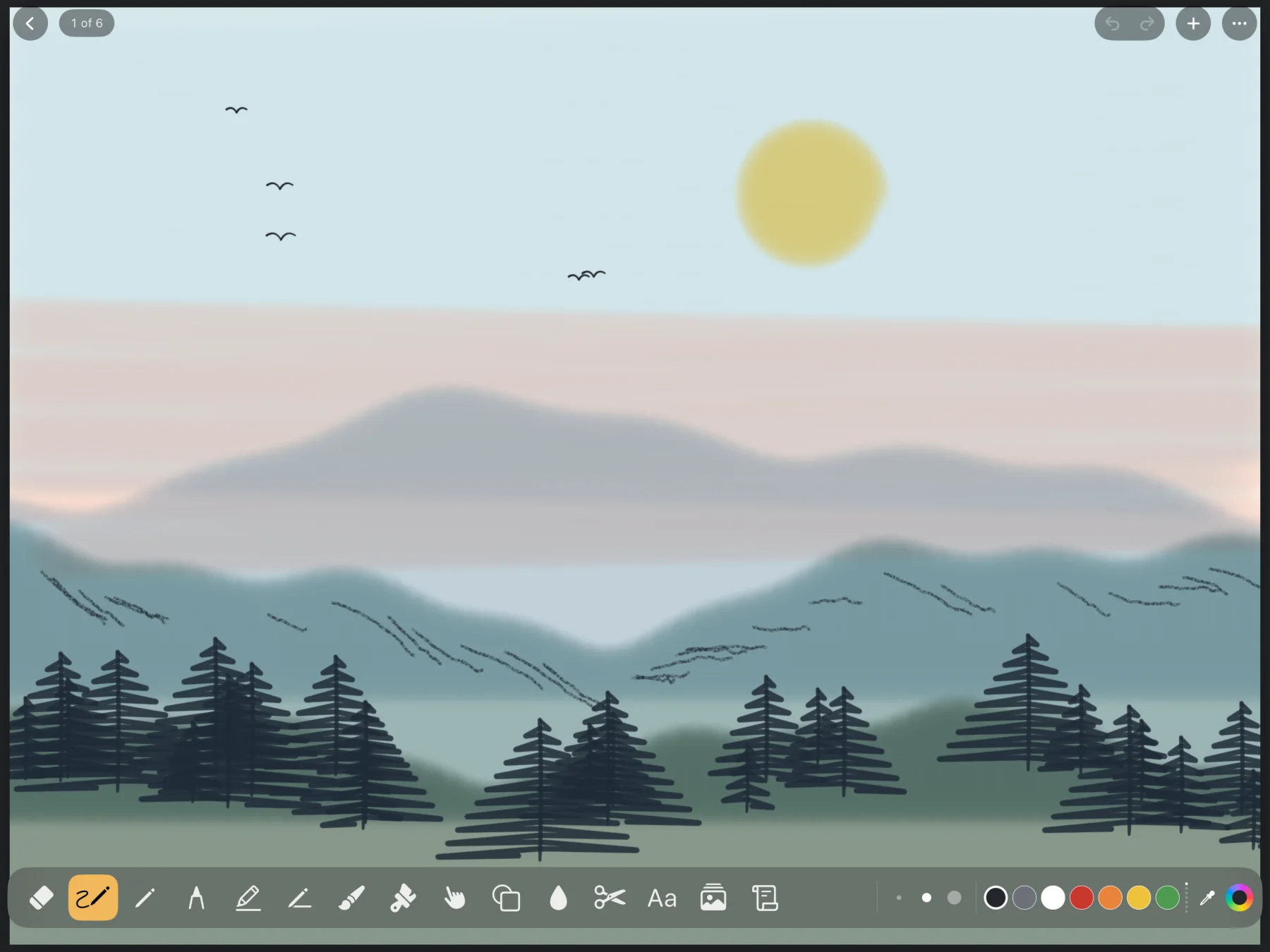
Sketchwell is a sketchbook for iPhone and iPad. Pick a tool below and try it. It responds to your speed the way it does in the app.
Pens, pencils, markers and paint.
Each line below is one stroke from the app's ink engine, at a brush size you can pick in the app. It's slow on the left and fast on the right.
Fountain pen
Gets thicker as you speed up, or press harder with Apple Pencil.

Pencil
Catches the paper's grain. Tilt Apple Pencil to shade.

Marker
A chisel tip that thins out as you speed up.

Watercolor
Smooth when slow. Skips across the paper when fast.

Also in the tray: ink pen, roller, highlighter, eraser, blend, fill, cut and text.
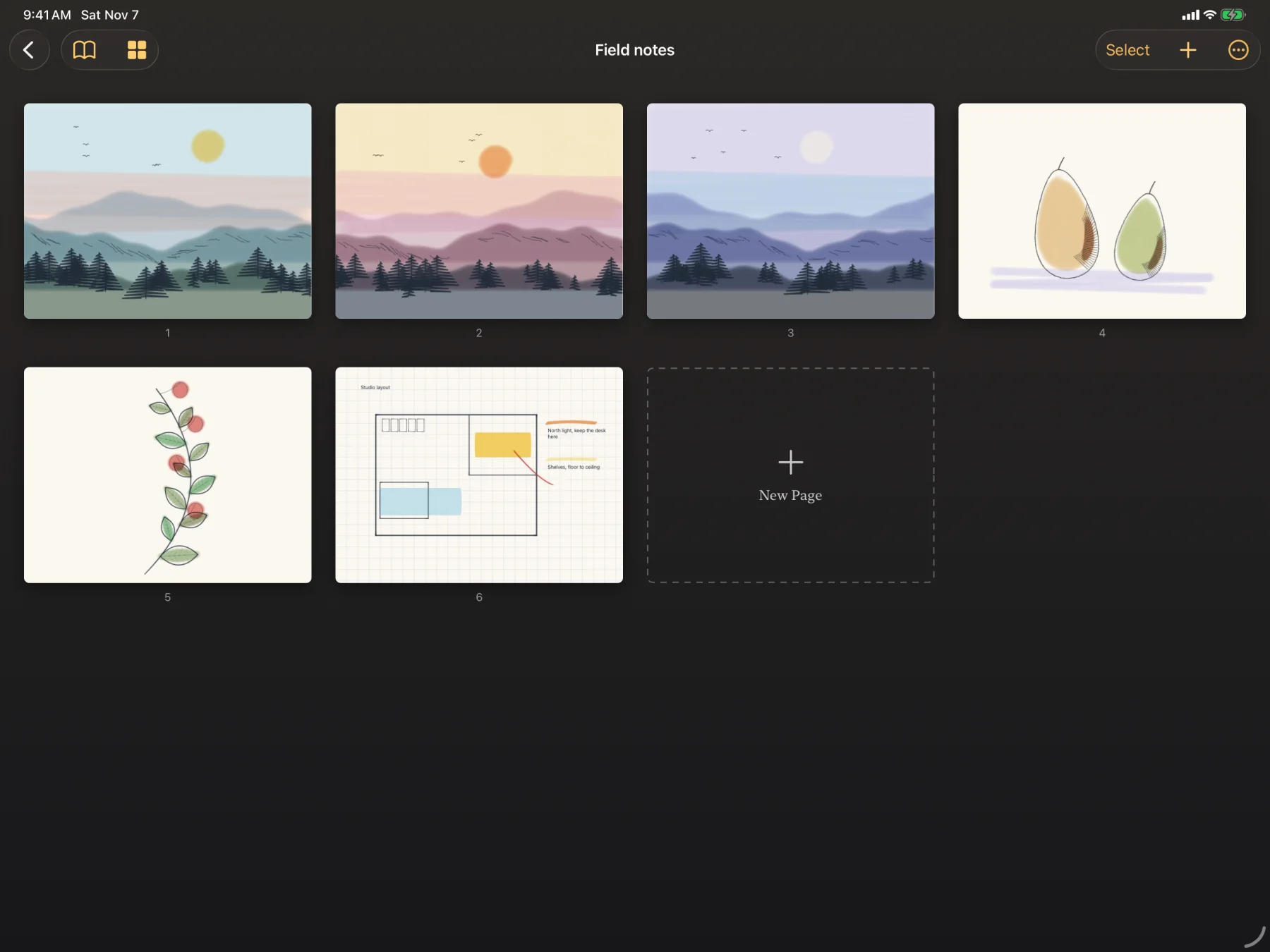
Keep it all in journals.
Give each journal a title, a cover color and a pattern. Swipe through its pages one at a time, or switch to a grid and drag them into a new order. Keep a journal private behind a 4‑digit code, with Face ID or Touch ID if you like.
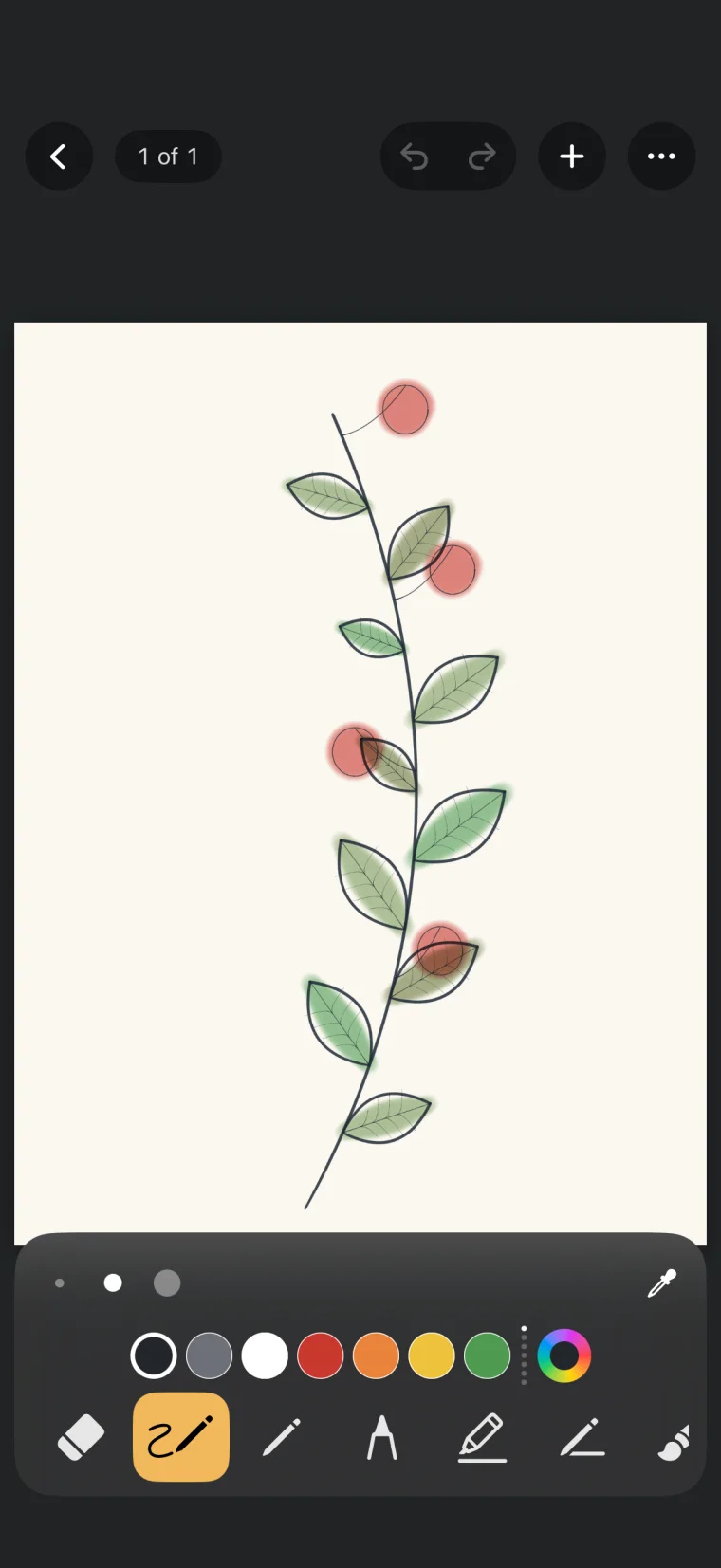
Zoom and turn pages with your fingers.
Pinch to zoom, pan with two fingers when you're zoomed in, and swipe from the edge to turn the page. Flick the tool tray down to hide it.
With Apple Pencil, Sketchwell uses pressure and tilt, and you choose whether your finger draws, blends, cuts or does nothing.
Mix colors, clean up shapes, rewind a page.
- Mixer
- Pick a swatch, then circle your finger clockwise to mix. Circle back to unmix.
- Diagram
- Rough lines, circles and boxes snap into clean shapes, and lines connect to them.
- Rewind
- Step back through a page's history, even after you close the app.
Ten kinds of paper.
Plain, lined, grid and storyboard are in there too. Choose a paper for each page, or save any drawing as a paper of your own.
 Dots
 Isometric
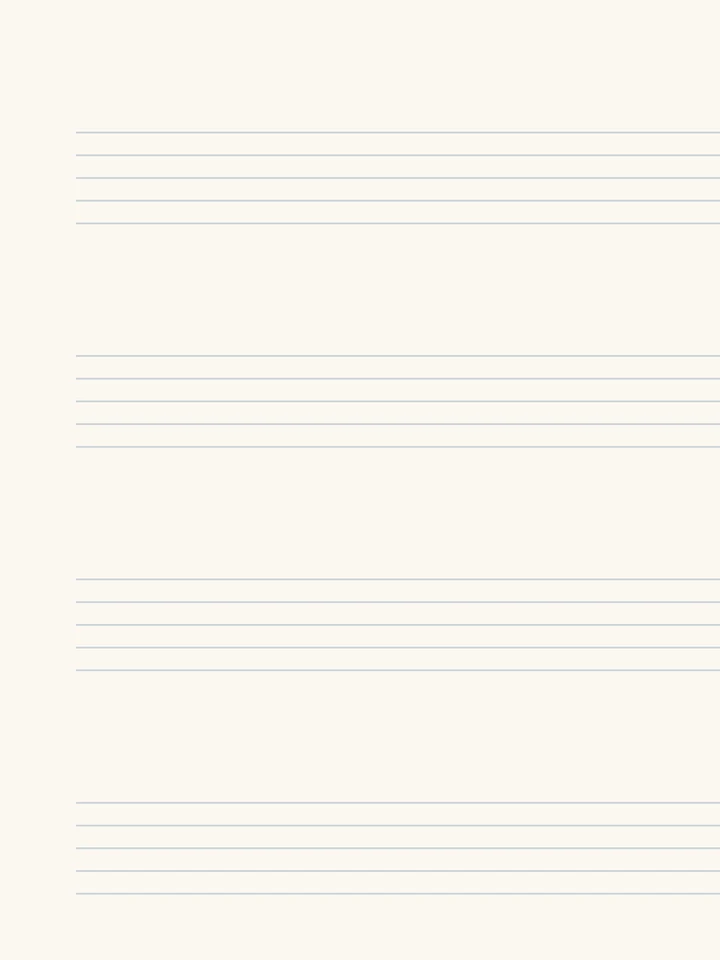 Staves
 Comic panels
Your pages stay on your device.
There's no account to create and no analytics. Sketchwell doesn't send your drawings anywhere unless you share them, as a PNG or a PDF. There's no iCloud sync, so your journals don't move between your devices.
Coming soon to the App Store
For iPhone and iPad with iOS 18 or iPadOS 18, or later.